
VW RCD 510 Radio Code – How to Unlock Your Volkswagen Touchscreen Radio
Is your Volkswagen RCD 510 touchscreen radio locked and asking for a security PIN? If you have replaced your car battery, installed a used radio or transferred the unit from another Volkswagen, you may need the correct VW RCD 510 radio code to restore access to your audio system.
The RCD 510 is one of Volkswagen's popular touchscreen radio systems, featuring CD playback, multimedia functions and a colour display. If the original security code is missing, VWCodes.co.uk offers an online solution for compatible RCD 510 radio code requests.
What Is the Volkswagen RCD 510 Radio?
The Volkswagen RCD 510, also known as the Premium 8 radio system in certain markets, is a factory-fitted multimedia unit designed for selected Volkswagen vehicles.
Unlike the traditional RCD 310, which uses a smaller display and physical preset buttons, the RCD 510 features a large colour touchscreen and an integrated CD changer.
Depending on the vehicle configuration, the system can provide:
- Colour touchscreen operation.
- FM and AM radio reception.
- CD playback and changer functionality.
- SD card media playback.
- Bluetooth and telephone integration on supported configurations.
- Multimedia and audio settings.
Why Does My VW RCD 510 Need a Radio Code?
The RCD 510 uses electronic anti-theft protection to prevent unauthorised use of the radio.
In vehicles where the radio has already been adapted, the security information is normally stored in the vehicle. This means that disconnecting and reconnecting the battery or reinstalling the original unit may not require manual code entry.
However, when a different RCD 510 is installed and its security information does not match the vehicle, the system may request the correct four-digit security PIN.
Common situations include:
- Installing a second-hand RCD 510 from another vehicle.
- Replacing the original factory radio.
- Fitting a replacement multimedia unit.
- Working with an unadapted radio.
- Carrying out certain electrical or diagnostic repairs.
How to Find Your VW RCD 510 Serial Number
Before requesting your Volkswagen radio code, you need to identify the exact RCD 510 unit.
The serial number is normally printed on an identification label attached to the metal radio housing. It can also be stamped into the side of certain units.
Where Is the Serial Number Located?
On most RCD 510 radios, the identification label is located on the top or side of the housing.
To access it:
- Switch off the radio and vehicle ignition.
- Use the appropriate Volkswagen radio removal tools.
- Carefully release the radio from the dashboard.
- Slide the unit forward sufficiently to inspect the identification label.
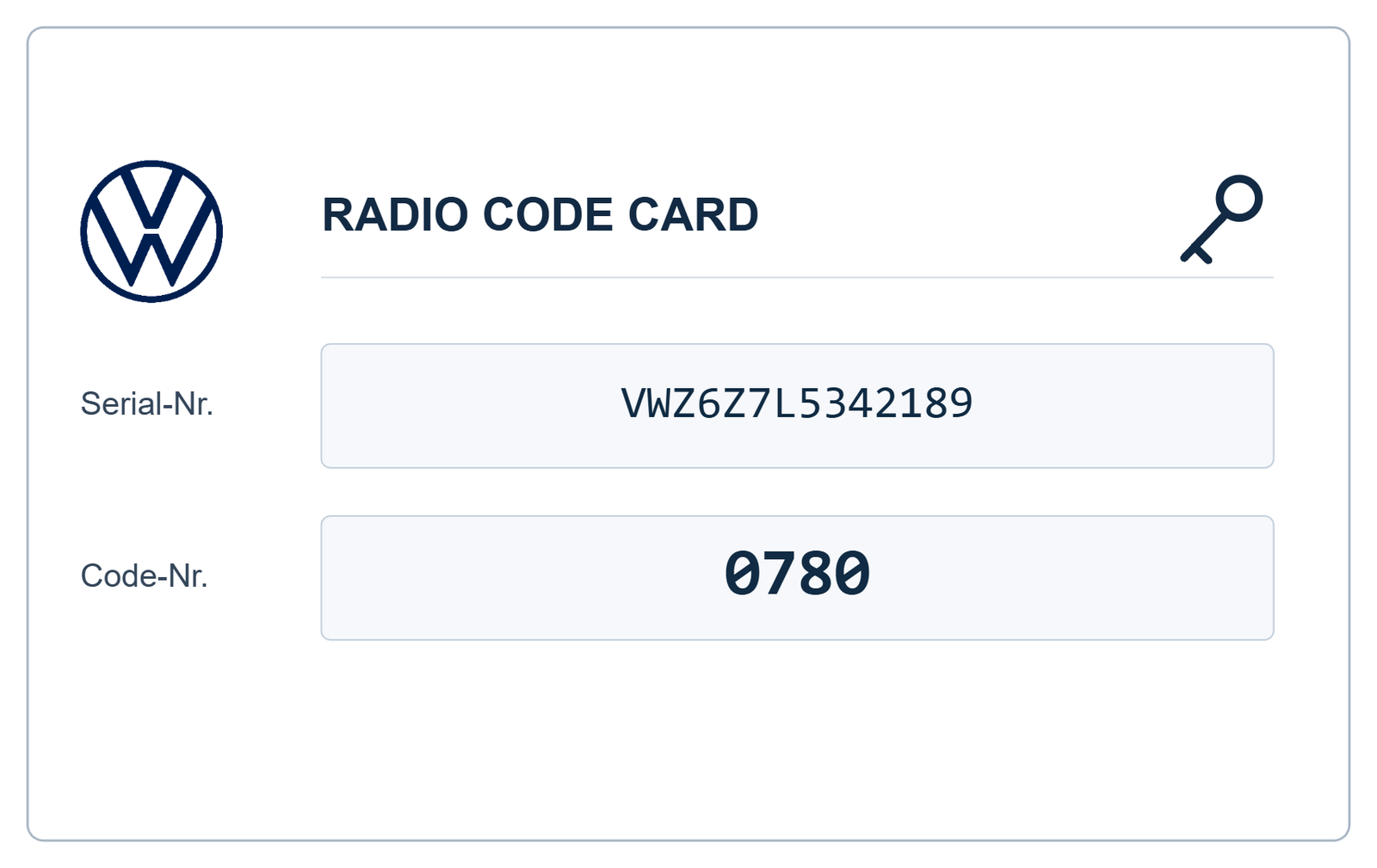
- Locate the VWZ serial number and record all characters accurately.
The serial number usually starts with VWZ. Do not confuse it with the Volkswagen part number, which is a different identification reference.
Important: The serial number belongs to the installed radio. If you have replaced the original unit, use the serial number of the replacement RCD 510.
How to Get a VW RCD 510 Radio Code Online
Once you have the correct radio identification details, you can submit an online request without arranging an unnecessary dealership appointment.
VWCodes.co.uk provides a convenient process for compatible Volkswagen RCD 510 radio code requests.
- Identify your RCD 510: Confirm the exact radio model.
- Find the VWZ serial number: Read the identification label on the radio housing.
- Submit your information: Enter the requested details through the online service.
- Code processing: Your radio information is checked using the applicable recovery method.
- Receive your security PIN: If the unit is supported, receive the corresponding four-digit code.
How to Enter the RCD 510 Radio Code
Unlike older Volkswagen radios that use physical preset buttons to select individual digits, the RCD 510 generally provides a touchscreen keypad for entering the security PIN.
After obtaining the correct code, follow these steps:
- Switch on the vehicle ignition and RCD 510 radio.
- Wait for the security code entry screen to appear.
- Use the touchscreen keypad to enter the four-digit PIN.
- Carefully check that the displayed number is correct.
- Press the on-screen OK button to confirm.
If the code is correct, the electronic security lock will be released and the radio will become operational.
What Happens If the RCD 510 Displays SAFE or System Locked?
If an incorrect security code is entered, the RCD 510 allows another attempt. However, repeated unsuccessful attempts can activate a temporary security lockout.
On the documented RCD 510 system, entering an incorrect code twice can lock the unit for approximately one hour.
During this period:
- Keep the radio switched on.
- Keep the vehicle ignition switched on.
- Do not interrupt the waiting period.
- Wait until the system allows another attempt.
Always verify your radio identification details and security PIN before trying again.
Which Volkswagen Models Use the RCD 510?
The RCD 510 was fitted to selected Volkswagen models and equipment configurations. Depending on the market and model year, these can include:
- Volkswagen Golf Mk5 and Golf Mk6.
- Volkswagen Passat B6 and B7.
- Volkswagen Tiguan.
- Volkswagen Touran.
- Volkswagen Scirocco.
- Volkswagen Eos.
- Volkswagen Caddy.
- Volkswagen Jetta.
Not every vehicle in these model ranges was equipped with an RCD 510. Always identify the actual radio rather than relying only on the vehicle model.
RCD 510 vs RNS 510 – How to Identify Your Radio
These two Volkswagen systems can look similar because both feature touchscreen displays. However, they serve different purposes.
- RCD 510: Primarily a multimedia and radio system with touchscreen operation.
- RNS 510: A navigation and multimedia system with integrated navigation functionality.
Choosing the correct radio model is important because their identification and security code recovery procedures may differ.
Can I Get an RCD 510 Code Using the VIN?
The vehicle identification number (VIN) identifies your Volkswagen, but it does not replace the radio's individual serial number.
Volkswagen's authorised diagnostic system can retrieve anti-theft information using vehicle and radio identification data through an authorised online connection.
For an online radio code request, the serial number of the actual installed unit is particularly important, especially if the original radio has been replaced.
Get Your VW RCD 510 Radio Code at VWCodes.co.uk
If your Volkswagen touchscreen radio is locked and you no longer have its original security PIN, there is no reason to replace an otherwise functioning RCD 510 before checking your code recovery options.
VWCodes.co.uk provides an online service for compatible Volkswagen radio code requests.
Whether your RCD 510 came from another vehicle, was installed as a replacement or requires its original security PIN, you can submit the requested radio identification information online.
Ready to unlock your Volkswagen RCD 510?
Get Your VW RCD 510 Radio Code Online
Visit VWCodes.co.uk, submit your radio details and request your Volkswagen security code.
VWCodes.co.uk – Your online solution for Volkswagen radio code recovery.
Máte připravené sériové číslo?
Získejte oficiální tovární PIN do 15 minut. 100% záruka vrácení peněz v případě nefunkčnosti.