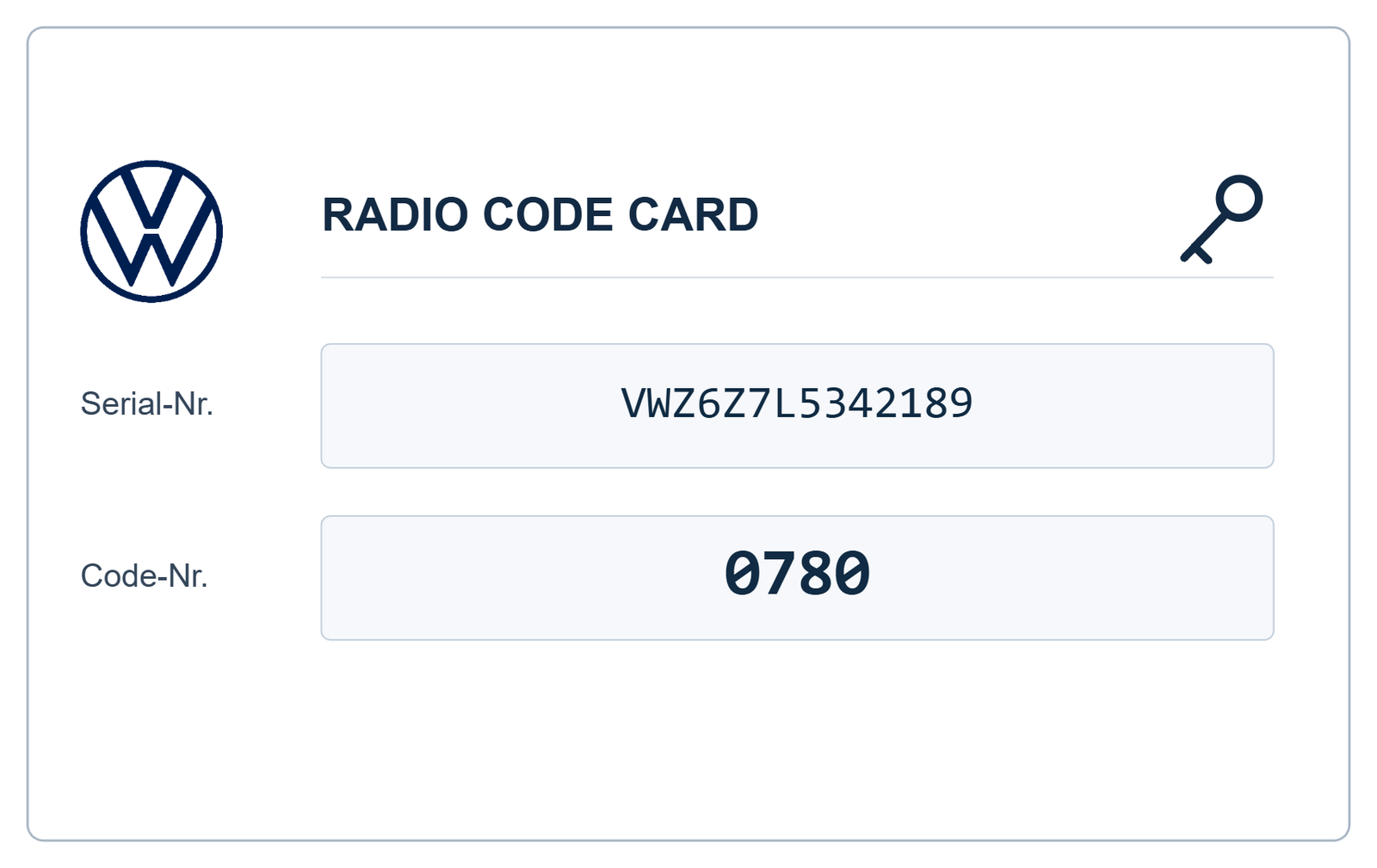

VW Radio Code Retrieval – How to Recover Your Volkswagen Radio Security Code
Have you lost your Volkswagen radio security code? Is your stereo displaying SAFE or requesting a four-digit PIN after a battery replacement or radio installation? If so, you may need a VW radio code retrieval service to restore access to your audio system.
Volkswagen radio security codes are designed to protect factory-fitted audio systems against unauthorised use. When the correct security information is unavailable, the radio may remain locked until the appropriate recovery procedure is completed.
In this guide, we explain how Volkswagen radio code retrieval works, which identification details are required, where to find your radio serial number and how to request your code online through VWCodes.co.uk.
What Is VW Radio Code Retrieval?
VW radio code retrieval is the process of recovering the original security PIN associated with a compatible Volkswagen radio or navigation unit.
Unlike replacing the radio, code retrieval aims to restore access to the existing audio system. The recovery method depends on the radio manufacturer, model, hardware generation and available identification information.
The process generally involves:
- Identifying the exact Volkswagen radio model.
- Locating the radio serial number.
- Checking compatibility with the applicable recovery method.
- Retrieving the corresponding security information.
- Entering the correct code into the radio when required.
Why Would You Need to Retrieve Your Volkswagen Radio Code?
There are several situations in which Volkswagen owners may need to recover their original radio security PIN.
After Replacing the Car Battery
Some older Volkswagen radio systems may request their security code after losing electrical power. This can happen during battery replacement or electrical maintenance, depending on the vehicle and radio configuration.
After Installing a Second-Hand Radio
When a replacement radio is installed from another Volkswagen, its security information may not match the vehicle. The unit may require its original code or an appropriate adaptation procedure.
After Radio Repairs
If the factory radio has been removed for repair, replacement or inspection, you may need to provide its identification details to recover the correct security information.
When Buying a Used Volkswagen
Sometimes the previous owner does not provide the original radio security card or documentation. If the radio later requests a PIN, the new owner may need to recover the code independently.
Which Information Is Required for VW Radio Code Retrieval?
The information required depends on the specific radio system. For many older Volkswagen radio code requests, the most important detail is the radio serial number.
Other useful identification information may include:
- Radio manufacturer.
- Radio model.
- VWZ serial number, where applicable.
- Volkswagen part number.
- Additional identification details requested by the recovery service.
Providing accurate information helps ensure that the correct radio and recovery method are identified.
Where to Find Your Volkswagen Radio Serial Number
On many older Volkswagen radios, the serial number is printed on an identification label attached to the metal housing.
Depending on the model, the label may be located on the top, side or rear of the radio.
How to Locate the Serial Number
- Switch off the vehicle ignition and radio.
- Use suitable radio removal tools if necessary.
- Carefully remove the radio from the dashboard.
- Inspect the manufacturer's identification label.
- Record the serial number and part number separately.
Many Volkswagen radio serial numbers begin with VWZ, although formats vary between manufacturers and radio generations.
Take a clear photograph of the complete label. This makes it easier to distinguish the serial number from other identification references.
VW Radio Code Retrieval for RCD and RNS Systems
Volkswagen has used numerous radio and navigation systems across its vehicle range. Each generation can have different security and recovery requirements.
Volkswagen RCD Radio Systems
RCD systems are factory-fitted audio units found in many Volkswagen vehicles. Depending on the model and configuration, compatible systems may include:
- VW RCD 210
- VW RCD 300
- VW RCD 310
- VW RCD 510
Volkswagen RNS Navigation Systems
RNS systems combine radio functionality with integrated navigation features. Popular models include:
- VW RNS 300
- VW RNS 310
- VW RNS 315
- VW RNS 510
Some newer infotainment platforms use different security procedures and cannot necessarily be recovered using traditional four-digit radio code methods.
Can Volkswagen Radio Codes Be Retrieved Using the VIN?
The vehicle identification number (VIN) and radio serial number serve different purposes.
The VIN identifies your Volkswagen, while the radio serial number identifies the individual audio unit installed in the vehicle.
Authorised Volkswagen retailers may be able to retrieve security information through the appropriate vehicle and radio identification procedures.
However, if a replacement or second-hand radio has been installed, its own identification details may be required. The original vehicle VIN alone may not be sufficient.
How Does Online VW Radio Code Retrieval Work?
Online radio code retrieval provides a convenient alternative for owners who have lost their original security documentation.
With VWCodes.co.uk, the request process is straightforward:
- Identify your radio: Check the exact model and manufacturer.
- Find the serial number: Read the identification label on the radio housing.
- Submit your request: Enter the requested information through the online service.
- Radio verification: Your details are checked using the applicable recovery method.
- Receive your code: If the radio is supported, receive the corresponding security PIN.
Always verify the supplied code against your exact radio before entering it.
What If Your Volkswagen Radio Displays SAFE?
SAFE is an anti-theft security message displayed by various Volkswagen audio systems.
It generally indicates that the radio requires security authorisation or is temporarily preventing additional code-entry attempts.
If your radio displays SAFE:
- Confirm the exact radio model.
- Check the serial number carefully.
- Obtain the correct security information.
- Follow the code-entry instructions for your radio.
- Avoid entering random four-digit combinations.
Repeated incorrect attempts may activate a temporary waiting period. The procedure and waiting time depend on the radio model.
Why Choose an Online Radio Code Retrieval Service?
Searching for an old radio security card can take time, especially if you purchased your Volkswagen second-hand or the original documentation is missing.
An online recovery service provides a convenient way to submit your radio information without arranging an unnecessary dealership visit.
Before choosing a service, check that it supports your radio model, explains its ordering process and provides assistance if there is a problem with the supplied code.
Retrieve Your VW Radio Code at VWCodes.co.uk
If your Volkswagen radio is locked and you cannot find the original security PIN, VWCodes.co.uk offers an online service for compatible Volkswagen radio code requests.
Whether you have an RCD 310, RCD 510, RNS 315, RNS 510 or another supported radio, start by identifying the installed unit and preparing the requested serial number.
Our online process makes it convenient to submit your radio information and request assistance recovering the correct security code.
Lost your Volkswagen radio code?
Retrieve Your VW Radio Code Online – VWCodes.co.uk
Submit your radio identification details and get started with your Volkswagen radio code recovery request.
VWCodes.co.uk – Your online solution for Volkswagen radio code retrieval.
Har du dit serienummer klar?
Hent din officielle fabriks-PIN på under 15 minutter. 100% pengene-tilbage-garanti, hvis koden ikke virker.