
VW RNS 510 Radio Code – How to Unlock Your Volkswagen Navigation System
Is your Volkswagen RNS 510 navigation system asking for a security code? If the display shows SAFE or requests a PIN after a battery replacement, radio removal or installation in another vehicle, you need to identify the correct security code for your unit.
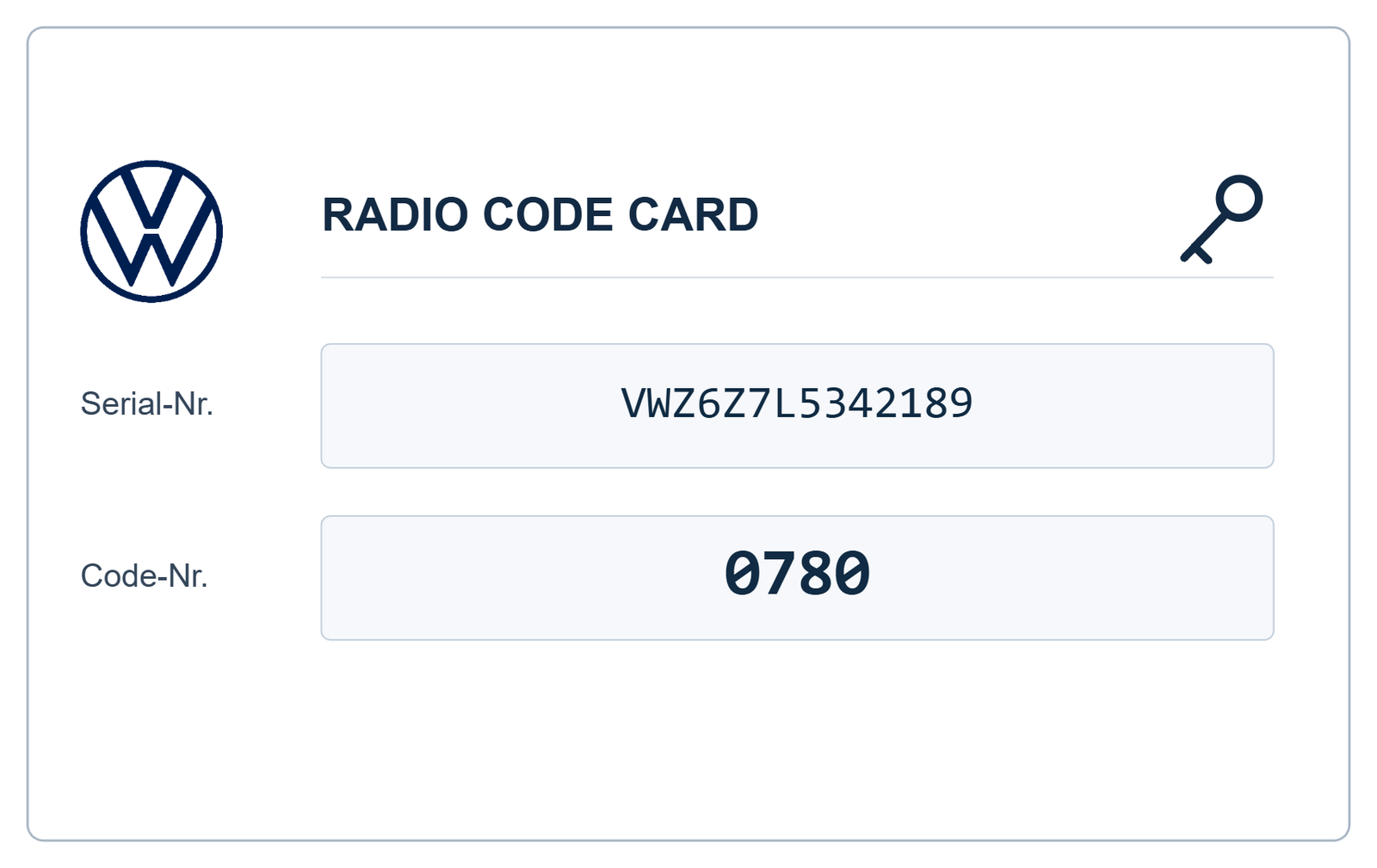
The VW RNS 510 radio code is used to protect the original navigation system against unauthorised use. If you have lost the original code or purchased a second-hand RNS 510 unit, VWCodes.co.uk offers an online solution for compatible radio code requests.
Why Does the VW RNS 510 Require a Radio Code?
The Volkswagen RNS 510 is an integrated touchscreen navigation and multimedia system. It combines radio reception, navigation, media playback and other vehicle entertainment functions.
Like other Volkswagen factory-fitted audio systems, certain RNS 510 configurations use security protection. When the unit detects a change in its power supply or installation environment, it may request authorisation before normal operation can resume.
This can happen in several situations:
- After disconnecting or replacing the vehicle battery.
- When installing a second-hand RNS 510 navigation unit.
- After removing the original navigation system for repairs.
- When transferring the radio to another Volkswagen.
- Following certain electrical or navigation system repairs.
How to Find Your VW RNS 510 Serial Number
Before requesting an RNS 510 radio code, you should identify the exact navigation unit installed in your Volkswagen.
The serial number and part number are important identification details, but they are not the same thing.
Check the RNS 510 Identification Label
The manufacturer identification label is normally attached to the radio housing. Depending on the unit, accessing it may require removing the navigation system from the dashboard.
The label can contain several details:
- Volkswagen part number.
- Bosch or other manufacturer information.
- RNS 510 model identification.
- Serial number.
- Barcode and additional production information.
Take a clear photograph of the entire label. This helps distinguish the serial number from other identification numbers printed on the housing.
How to Get a VW RNS 510 Radio Code Online
If you no longer have the original security documentation, an online radio code recovery service may be an alternative to visiting a dealership.
Follow these steps:
- Identify your RNS 510 unit: Confirm that the installed navigation system is an RNS 510.
- Locate the identification label: Record the serial number and part number.
- Submit your information: Visit VWCodes.co.uk and provide the requested radio details.
- Wait for processing: Your information will be checked using the applicable recovery method.
- Receive your code: If your unit is supported, receive the corresponding security code and instructions.
Can I Get an RNS 510 Code Using the VIN Number?
Many Volkswagen owners search for an RNS 510 radio code using their vehicle identification number (VIN). However, the VIN and the navigation unit's serial number identify two different things.
The VIN identifies your Volkswagen, while the serial number identifies the actual RNS 510 unit.
This distinction becomes particularly important when purchasing a replacement navigation system. A second-hand RNS 510 may have different identification details from the original unit fitted at the factory.
For this reason, always provide the identification information requested for the installed navigation system.
Volkswagen Models Equipped With RNS 510
The RNS 510 navigation system was fitted to selected Volkswagen models and equipment configurations. Depending on the vehicle generation and market, these include:
- Volkswagen Golf
- Volkswagen Passat
- Volkswagen Tiguan
- Volkswagen Touran
- Volkswagen Touareg
- Volkswagen Eos
- Volkswagen Scirocco
Not every vehicle in these model ranges was equipped with an RNS 510. Always confirm the exact navigation unit before requesting a code.
RNS 510 vs RNS 315 – What Is the Difference?
Although the RNS 315 and RNS 510 are both Volkswagen navigation systems, they are different hardware platforms.
The RNS 510 features a larger touchscreen interface, multimedia capabilities and additional navigation functionality. The RNS 315 has a different hardware design and feature set.
The identification and security recovery procedures can also differ. Make sure you select RNS 510 when submitting a request for this particular navigation unit.
What Should I Do If My RNS 510 Displays SAFE?
If your RNS 510 displays a security message, first check that the navigation system has a stable power supply.
Before attempting to enter a security code:
- Confirm the exact navigation model.
- Check the identification details.
- Avoid entering random four-digit PIN numbers.
- Allow any active security waiting period to finish.
- Follow the correct instructions for your unit.
Repeated unsuccessful attempts may activate a temporary lockout period, so it is important to use the correct recovery information.
Get Your VW RNS 510 Radio Code at VWCodes.co.uk
Have you lost the original RNS 510 security code? You do not necessarily need to replace your navigation system or spend time searching through old vehicle documents.
VWCodes.co.uk provides an online service for compatible Volkswagen radio and navigation code requests.
Whether your RNS 510 has been disconnected after a battery replacement or purchased as a second-hand unit, you can submit the requested identification details online.
Need your Volkswagen RNS 510 radio code?
Get Your VW Radio Code Online at VWCodes.co.uk
Start your request today and take the next step towards restoring your Volkswagen navigation system.
VWCodes.co.uk – Online Volkswagen radio code recovery.
Har du dit serienummer klar?
Hent din officielle fabriks-PIN på under 15 minutter. 100% pengene-tilbage-garanti, hvis koden ikke virker.