
VW RCD 310 Radio Code – How to Unlock Your Volkswagen Stereo
Is your Volkswagen RCD 310 radio displaying SAFE or asking for a four-digit security code? If your stereo stopped working after a battery replacement, electrical repair or radio installation, you may need the original security PIN to restore normal operation.
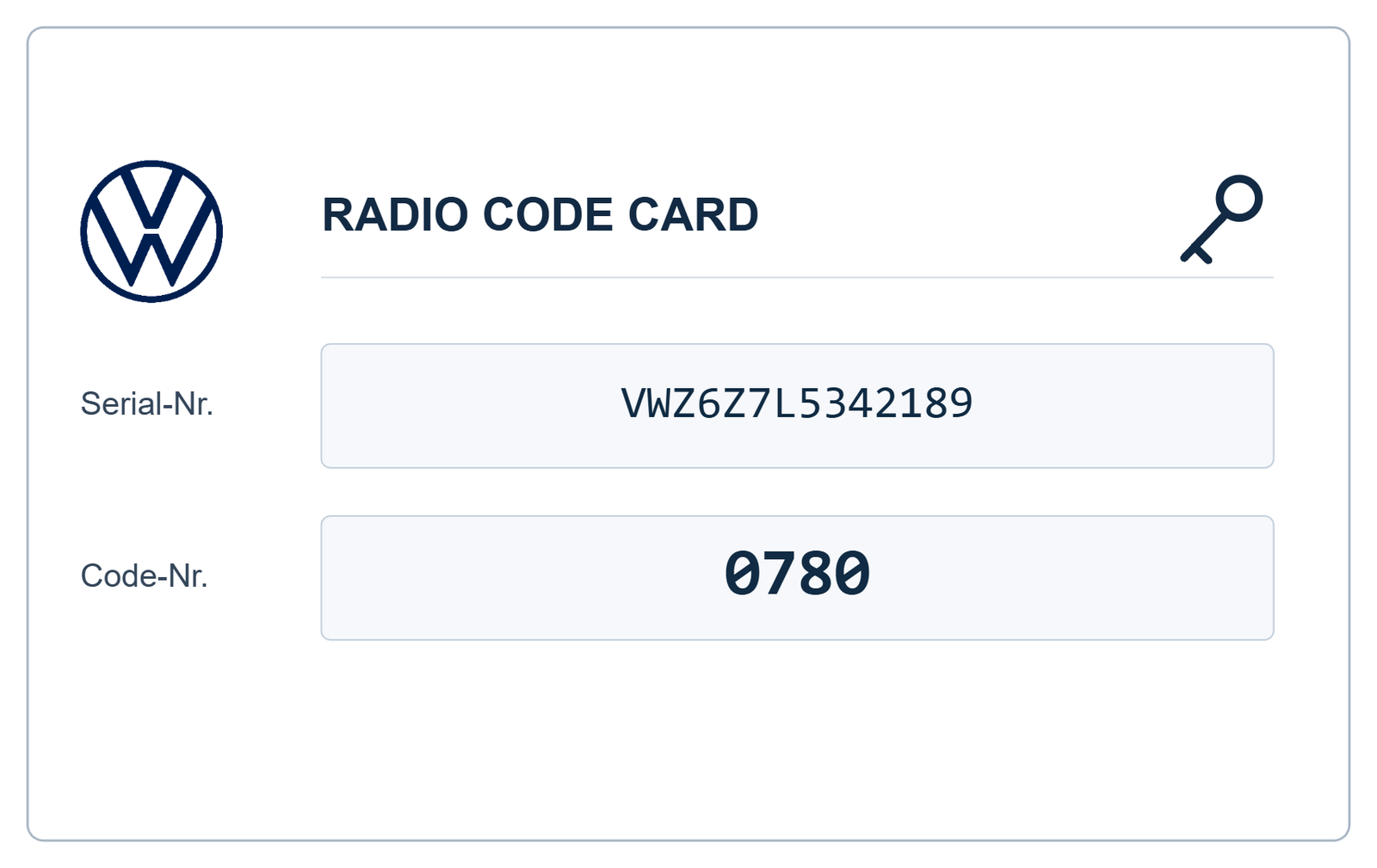
The VW RCD 310 radio code is a unique security code associated with your individual radio unit. If you have lost the original code card or purchased a used RCD 310, you can request assistance recovering the correct code online through VWCodes.co.uk.
What Is the Volkswagen RCD 310 Radio?
The Volkswagen RCD 310 is a factory-fitted CD radio system designed for several Volkswagen vehicle generations. It features a traditional button interface, a central display, preset station controls and rotary adjustment knobs.
Unlike the RNS 510 navigation system, the RCD 310 is primarily an audio unit rather than a full navigation platform.
The RCD 310 was used in selected configurations of several Volkswagen models, including:
- Volkswagen Golf
- Volkswagen Passat
- Volkswagen Polo
- Volkswagen Tiguan
- Volkswagen Touran
- Volkswagen Jetta
- Volkswagen Caddy
- Volkswagen Scirocco
- Volkswagen Transporter
Why Does My VW RCD 310 Display SAFE?
SAFE is the anti-theft protection message displayed when the radio requires its security code. This does not necessarily mean that the radio is faulty.
The message can appear after:
- Disconnecting the vehicle battery.
- Replacing an old or damaged battery.
- Removing the radio during dashboard repairs.
- Installing a second-hand RCD 310.
- Transferring the radio to another Volkswagen.
When the correct security PIN is entered, the radio can return to normal operation.
Where Can I Find the VW RCD 310 Serial Number?
The serial number is one of the most important details required when requesting an RCD 310 radio code.
On many RCD 310 units, the serial number is printed on a manufacturer identification label attached to the metal housing.
How to Identify the Correct Number
The radio label can contain several different identification numbers:
- Serial number: Usually a 14-character identification beginning with VWZ.
- Part number: Identifies the radio hardware and configuration.
- Manufacturer: Identifies the company that produced the unit.
- Barcode: Provides additional product identification.
Do not confuse the part number with the serial number. For a compatible RCD 310 code request, the correct serial number is particularly important.
Depending on the radio version, you may need to remove the unit using suitable radio extraction keys to access its identification label. Always follow the appropriate removal procedure.
How to Get a VW RCD 310 Radio Code Online
You do not necessarily need to visit a Volkswagen dealership to request help recovering your original RCD 310 security code.
VWCodes.co.uk provides an online request process for compatible Volkswagen radio units.
- Identify your radio: Confirm that your installed unit is an RCD 310.
- Find the serial number: Check the identification label on the radio housing.
- Enter your details: Visit VWCodes.co.uk and submit the requested information.
- Wait for processing: Your radio details will be checked using the applicable recovery method.
- Receive your code: If your radio is supported, receive the corresponding four-digit security PIN.
How to Enter the Security Code on a VW RCD 310
Once you have received the correct code, the next step is entering it into your Volkswagen radio.
The standard RCD 310 procedure generally involves the following steps:
- Switch on the vehicle ignition and radio.
- Wait for the SAFE message to change to the code-entry screen.
- Use the radio's preset buttons to select the four individual digits.
- Check that the displayed number matches your security code.
- Confirm the code using the appropriate confirmation control shown by your radio.
Depending on the RCD 310 version, the display and confirmation procedure may differ slightly. Follow the instructions for your particular unit.
What Happens If You Enter the Wrong RCD 310 Code?
Volkswagen's anti-theft system limits incorrect code attempts. On the documented RCD 310 system, two unsuccessful attempts can trigger a one-hour lockout period.
If this happens:
- Stop entering additional codes.
- Leave the radio and ignition switched on.
- Allow the waiting period to finish.
- Try again only when you have the correct security PIN.
Avoid experimenting with random four-digit combinations, as this can unnecessarily delay the unlocking process.
Can I Get an RCD 310 Code Using the VIN?
The vehicle identification number (VIN) and radio serial number are different identifiers.
The VIN identifies your Volkswagen, while the radio serial number identifies the individual RCD 310 unit.
Volkswagen's authorised diagnostic procedure can retrieve radio security information using vehicle and radio identification data. However, when a replacement radio has been installed, its own serial number may need to be entered manually.
For this reason, providing accurate information about the installed radio is essential.
RCD 310 vs RCD 510 – Which Radio Do You Have?
These two Volkswagen radio systems can look similar at first glance, but they have different interfaces.
- RCD 310: Traditional display, physical buttons and rotary controls.
- RCD 510: Larger touchscreen interface with additional multimedia features.
Selecting the correct model is important because the identification and code recovery procedures may differ.
Get Your VW RCD 310 Radio Code at VWCodes.co.uk
If your Volkswagen RCD 310 is locked and you cannot find the original security card, there is no reason to replace an otherwise working radio without first checking your code recovery options.
VWCodes.co.uk offers an online service for compatible Volkswagen radio code requests. Submit your radio identification details and request assistance recovering the correct security PIN.
Whether your RCD 310 stopped working after a battery replacement or was purchased as a second-hand unit, start by identifying its serial number.
Need your VW RCD 310 radio code?
Get Your Volkswagen RCD 310 Radio Code Online
Visit VWCodes.co.uk today and submit your radio details through our online service.
VWCodes.co.uk – Your online solution for Volkswagen radio code recovery.
Hai a portata di mano il numero seriale?
Recupera il PIN ufficiale di sblocco in meno di 15 minuti. 100% garanzia di rimborso se il codice non funziona.