
Polo RCD 310 Radio Code – How to Unlock Your Volkswagen Polo Stereo
Is your Volkswagen Polo RCD 310 radio displaying SAFE or requesting a four-digit security PIN? If you have installed a replacement radio, purchased a used unit or lost the original security code, you may need the correct Polo RCD 310 radio code to restore access to your audio system.
The Volkswagen RCD 310 is a popular factory-fitted radio found in selected Polo models. It features a CD player, radio functionality, physical controls and a display. When security authorisation is required, the correct code must be entered before normal operation can resume.
At VWCodes.co.uk, you can submit your RCD 310 serial number online and request assistance recovering the security code for compatible radio units.
What Is the Volkswagen Polo RCD 310?
The RCD 310 is a factory Volkswagen radio system designed for several vehicle models, including selected Volkswagen Polo configurations.
Unlike the RCD 510 touchscreen system, the RCD 310 uses a traditional button-based interface with a compact display and rotary controls.
Its main features include:
- FM and AM radio reception.
- Integrated CD player.
- Physical preset station buttons.
- Digital display.
- Audio and sound adjustment settings.
- Additional connectivity depending on vehicle configuration.
Why Does My Polo RCD 310 Display SAFE?
The RCD 310 uses electronic anti-theft protection. When the radio requires security authorisation, its display may show SAFE before requesting the original four-digit PIN.
This can happen in situations such as:
- Installing an RCD 310 from another Volkswagen.
- Replacing the original factory radio.
- Fitting a second-hand radio without its security code.
- Carrying out certain electrical or radio repairs.
- Installing a replacement unit that has not been adapted to the vehicle.
Important: If the original RCD 310 was already adapted to your Polo, disconnecting and reconnecting the battery normally does not require manual code entry again. A replacement or unadapted radio is more likely to request security authorisation.
How to Find Your VW RCD 310 Serial Number
The radio serial number is the most important identification detail for many RCD 310 radio code requests.
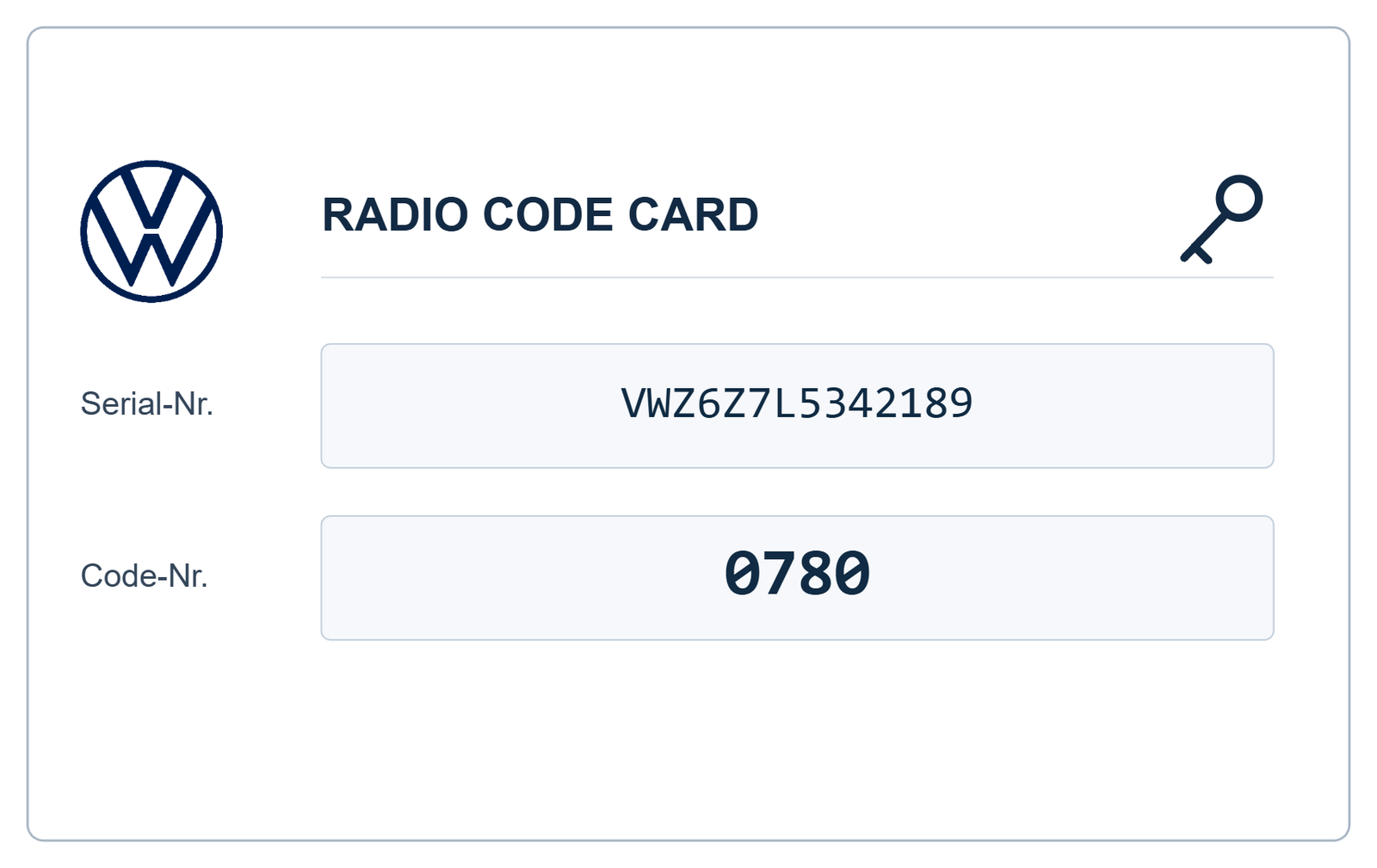
On compatible units, the serial number is generally a 14-character identification beginning with VWZ.
Where Is the Serial Number Located?
The serial number is printed on a manufacturer's identification label attached to the metal radio housing. Depending on the manufacturer, it may be located on the top or side of the unit.
To find it:
- Switch off the radio and vehicle ignition.
- Use suitable radio removal tools if necessary.
- Carefully slide the radio out of the dashboard.
- Inspect the identification label on the housing.
- Find the complete VWZ serial number.
The label may contain several identification numbers, including:
- Serial number: The individual radio identification, commonly beginning with VWZ.
- Part number: Identifies the radio hardware and configuration.
- Manufacturer: Identifies the radio manufacturer.
- Barcode: Contains additional product identification information.
Do not confuse the Volkswagen part number with the serial number. If you are unsure, take a photograph of the complete label.
Can I Find the RCD 310 Serial Number Without Removing the Radio?
Depending on the radio version, identification information may also be available through supported diagnostic equipment.
A Volkswagen-compatible diagnostic tester can access radio identification data through the appropriate control module and identification functions.
However, the most straightforward method for many owners is to inspect the manufacturer's label on the radio housing.
How to Get a Polo RCD 310 Radio Code Online
If your original security card is missing, an online radio code recovery service may provide a convenient alternative.
VWCodes.co.uk offers an online request process for compatible RCD 310 radio units.
- Identify your radio: Confirm that the installed unit is an RCD 310.
- Find your serial number: Locate the complete VWZ number on the radio label.
- Visit VWCodes.co.uk: Open the Volkswagen radio code service.
- Submit your information: Enter the requested radio identification details.
- Code processing: Your request is checked using the applicable recovery method.
- Receive your code: If your radio is supported, receive the corresponding four-digit security PIN.
Always make sure that the code corresponds to the exact radio installed in your vehicle.
How to Enter the Security Code on a VW RCD 310
After obtaining the correct security PIN, you can enter it directly into the RCD 310 radio.
Follow these general instructions:
- Switch on the vehicle ignition.
- Turn on the RCD 310 radio.
- Wait for SAFE to disappear and the code-entry screen to appear.
- Use preset buttons 1, 2, 3 and 4 to adjust the four individual digits.
- Check that the displayed code matches your security PIN.
- Press the OK button to confirm the code.
If the correct code is entered, the security lock is released and the radio becomes operational again.
What Happens If You Enter the Wrong RCD 310 Code?
The RCD 310 limits unsuccessful security code attempts to protect the radio against unauthorised access.
According to the service procedure, after two incorrect attempts the radio enters a temporary lockout period of approximately one hour.
If this happens:
- Leave the radio switched on.
- Keep the vehicle ignition switched on.
- Wait for the full one-hour period.
- Do not interrupt the waiting process.
- Try again only when you have the correct PIN.
Avoid entering random four-digit combinations, as this can unnecessarily delay the unlocking process.
Which Volkswagen Polo Models Use the RCD 310?
The RCD 310 was fitted to selected Volkswagen vehicles depending on the market, production year and equipment configuration.
Volkswagen Polo versions may include:
- Volkswagen Polo 6R.
- Selected Volkswagen Polo 6C configurations.
The RCD 310 was also used in selected Volkswagen Golf, Passat, Tiguan, Touran and other models.
Always check the model printed on the radio itself. Not every Polo was equipped with an RCD 310.
RCD 310 vs RCD 510 – What Is the Difference?
These two Volkswagen radio systems have different interfaces and features.
- RCD 310: Traditional display, physical preset buttons and rotary controls.
- RCD 510: Large colour touchscreen with additional multimedia functionality.
Although both belong to the Volkswagen RCD family, their hardware and identification details are different. Make sure you request a code for the correct model.
Can I Get an RCD 310 Code Using the VIN?
The vehicle identification number (VIN) identifies your Volkswagen, while the radio serial number identifies the individual RCD 310 unit.
Volkswagen's authorised diagnostic procedure can retrieve anti-theft information using vehicle and radio identification data through its online system.
If you have installed a second-hand RCD 310, its own serial number is particularly important because it may not match the original radio fitted to your Polo.
Get Your Polo RCD 310 Radio Code at VWCodes.co.uk
Is your Volkswagen Polo RCD 310 locked? Have you lost the original security PIN or purchased a replacement radio without its code?
Before replacing an otherwise working radio, check whether its original security code can be recovered.
VWCodes.co.uk provides an online service for compatible Volkswagen RCD 310 radio code requests.
Simply identify your radio, locate the VWZ serial number and submit the requested information through our online service.
Need your Polo RCD 310 radio code?
GET YOUR VW RCD 310 RADIO CODE ONLINE
Visit VWCodes.co.uk and start your Volkswagen radio code request today.
VWCodes.co.uk – Your online solution for Volkswagen RCD 310 radio code recovery.
Have your serial number ready?
Retrieve your genuine factory unlock PIN in less than 15 minutes. 100% money-back guarantee if the code doesn't work.